Skip to content
RXRyujinx Guide
Build 1.2.16 LDN / RyubingUpdated August 2026

Ryujinx Emulator — complete setup guide for PC, Android & Linux (2026)

Every step here was run on real hardware before it was written down: the installers, the firmware and key handling, the graphics settings that actually change frame rates, and the fixes for the errors that send most people back to Google. No affiliate links, no download mirrors, no fluff.

Official sources onlyApple Silicon covered~4,300 titles in the compatibility list
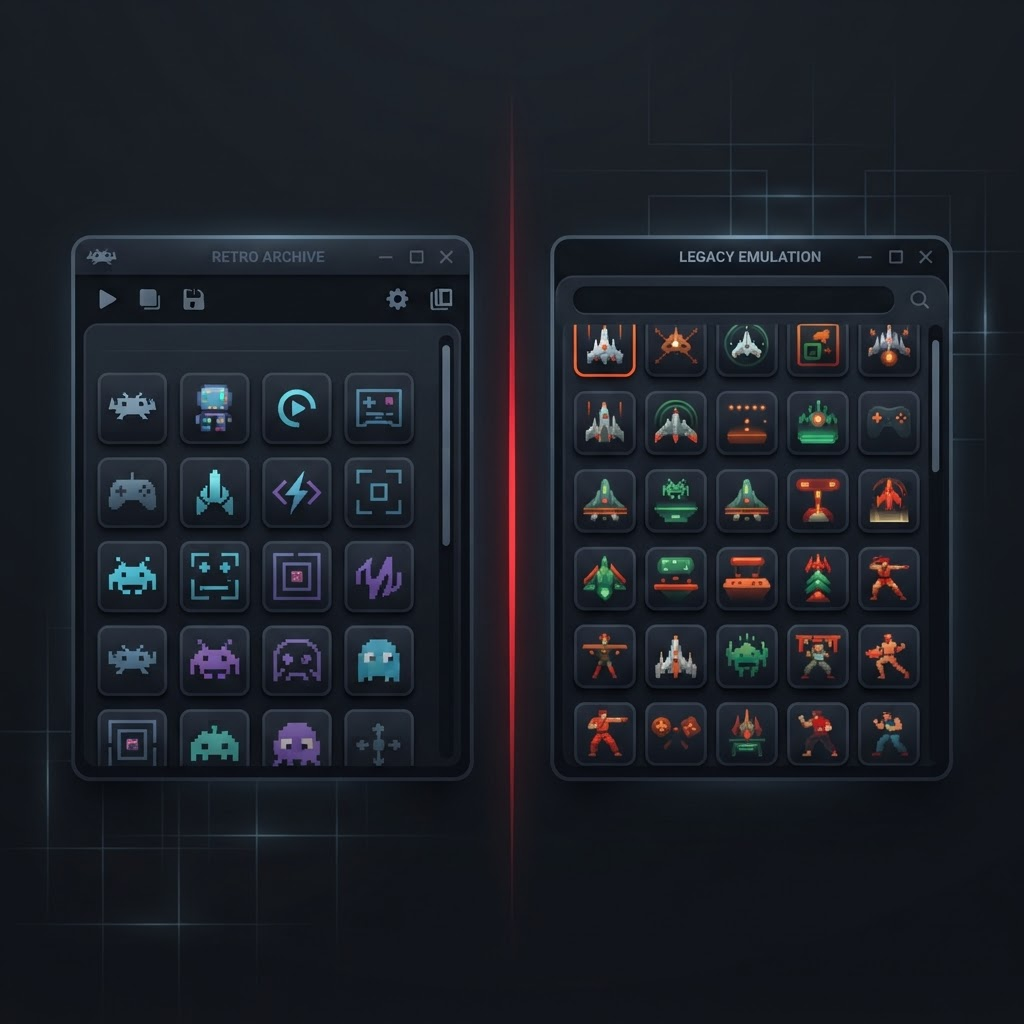
Ryujinx Emulator game library interface with a grid of installed titles

Why this site exists

I lost a weekend to a black screen. You should not have to.

The first time I set this up, the emulator launched fine, the game appeared in the library, and then it sat on a black screen forever. Every search result told me to change the graphics backend. None of them mentioned that my firmware was two versions older than the game required — which was the entire problem, and a ninety-second fix once I knew.

That is the pattern across almost all of this. The information exists, scattered across five-year-old forum posts, Discord messages nobody can search, and videos where the useful ten seconds are buried at minute fourteen. Meanwhile half the results are download portals that would rather hand you a bundled installer than an answer.

So this is the version I wish I had found: each platform documented separately because the steps genuinely differ, errors organized by what you actually see on screen rather than by their internal cause, and settings advice that says plainly which toggles do nothing. Everything is tested on the hardware listed, and when something only works on some configurations, it says so.

Nothing here is affiliated with Nintendo or with any Ryujinx development team. No downloads are mirrored, and no game files or keys are ever provided.

What you need before installing

Three things decide whether your setup works. Sort these out first and most of the troubleshooting section below stops being relevant to you.

Firmware and keys, from your own console

Nothing boots without prod.keys and a matching firmware version. Both are dumped from a Switch you own. We do not host them, link them, or tell you where to find them — and any site that does is not a site to trust with your PC.

An SSD and honest expectations

Shader compilation hammers storage on first launch. On a mechanical drive the opening hour of a big game is genuinely unpleasant. A SATA SSD is the floor, NVMe is where stutter mostly disappears.

Six real CPU cores, ideally

Emulation is CPU-bound far more than people expect. A modest GPU with a strong CPU beats the reverse every time. Below six cores you will be fighting for frames no setting can give back.

Capabilities

Top features, with the caveats included

Feature lists elsewhere read like marketing copy. These are the six things that genuinely affect how the emulator behaves day to day, and what each one costs you.

Accuracy-first CPU emulation

The ARMeilleure JIT translates Switch ARM64 code ahead of execution rather than interpreting it, which is why Ryujinx historically boots games that shader-heavy competitors choke on. Expect fewer softlocks in cutscene-heavy RPGs.

Game compatibility list

Roughly 4,300 titles have been logged by the community, with well over half rated Playable or Perfect. Menu-only entries are almost always missing firmware or a bad key dump, not a broken emulator.

Cross-platform builds

One codebase covers Windows, Linux, macOS on Apple Silicon, and Android. Your save data, mods and profile folders transfer between them because the directory layout is identical.

Resolution & graphics scaling

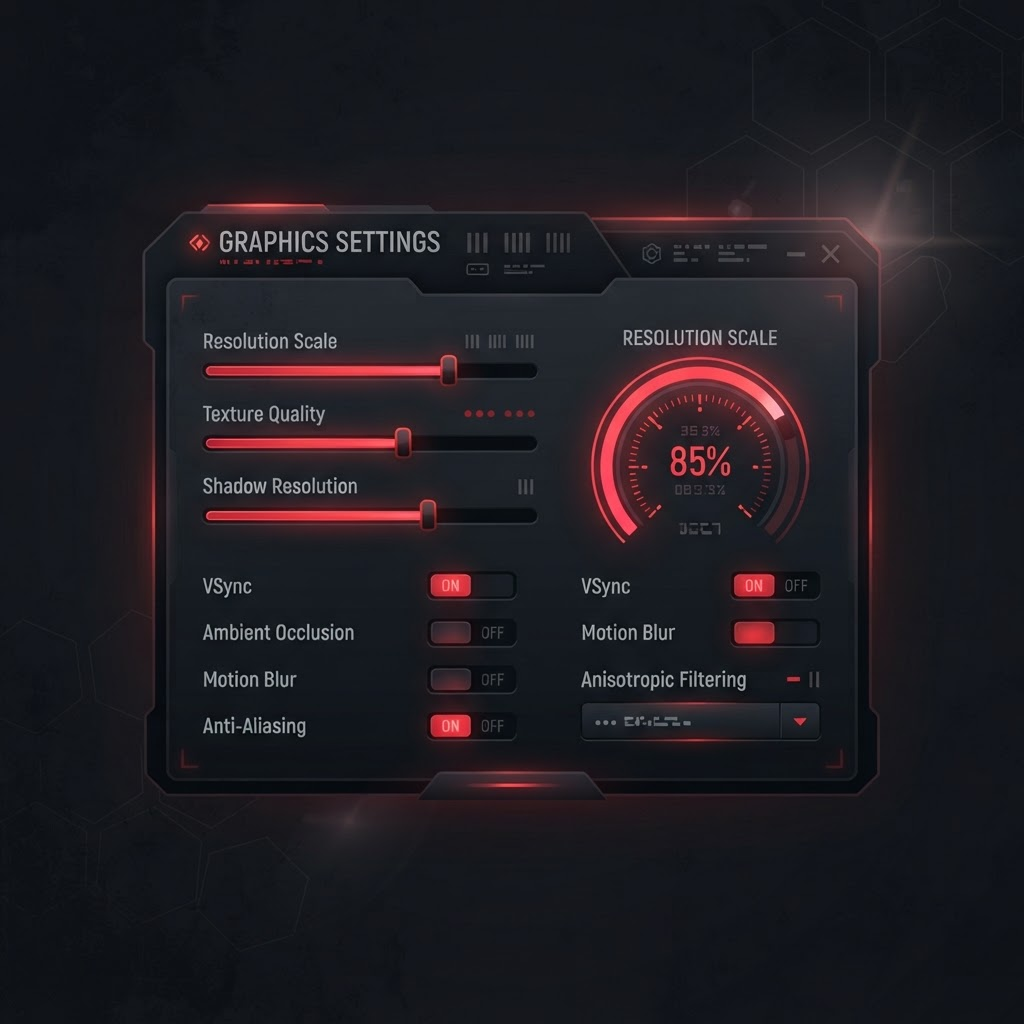
Native 720p docked output can be scaled to 4x with anisotropic filtering and custom aspect ratios. Vulkan is the recommended backend on every GPU vendor since the 1.1.x series.

Active community forks

After the original project shut down in October 2024, Ryubing, Sudachi and Citron picked up development. Each one still uses the same config format, so migration is a folder copy.

LDN multiplayer & controllers

LDN builds emulate local wireless play between instances, and any XInput, DualSense or Switch Pro controller maps in a single pass including motion and rumble.

Installation

How to install Ryujinx Emulator on each platform

The steps genuinely differ per platform, so they are documented separately rather than merged into one list with footnotes. Each summary below links to the full walkthrough with screenshots.

Windows 10 / 11

  1. 1Install the .NET desktop runtime and current GPU drivers first — a surprising share of "it will not launch" reports are a missing runtime.
  2. 2Extract the build to a folder you own, not Program Files. Permission errors on the config directory are otherwise guaranteed.
  3. 3Drop prod.keys into the keys folder, then install matching firmware from Tools → Install Firmware.
  4. 4Set the backend to Vulkan, resolution scale to 2x, and leave everything else at defaults for the first boot.
Full Windows 10 / 11 walkthrough

Android 11+

  1. 1Confirm your SoC is Snapdragon 855 or newer before downloading. Below that the answer is genuinely no.
  2. 2Install the ARM64 build and grant storage access so the keys and firmware directories can be created.
  3. 3Load a community turnip driver. This is worth more than every graphics setting combined on Adreno.
  4. 4Use handheld mode at 1x scale and expect to add a clip-on cooler for sessions past twenty minutes.
Full Android 11+ walkthrough

Linux & Steam Deck

  1. 1Prefer the AppImage for a stock distro, or Flatpak on the Steam Deck where the filesystem is immutable.
  2. 2Mark it executable and run it once so the config tree is generated before you add keys.
  3. 3On the Deck, add it as a non-Steam game to get controller input and the on-screen keyboard working.
  4. 4Mesa RADV is already the right Vulkan driver — do not replace it. Cap to 30 FPS for battery sanity.
Full Linux & Steam Deck walkthrough
Emulator main window on Windows showing the game list and toolbar options

Where the keys and firmware go

Both live under the portable data directory that gets created on first launch. Keys go in the keys folder as raw files; firmware is installed through the Tools menu rather than copied in, because the emulator needs to index it.

Which build

Four forks, one config format

Development scattered after October 2024, but every continuation descends from the same final commit. Moving between them is a folder copy, so treat this as a starting point rather than a commitment.

Comparison of active emulator forks by focus, release cadence and Android support
ForkPriorityUpdatesAndroidWhen to pick it
RyubingStart hereStabilitySlow, deliberateSupportedThe default. Closest to the original architecture, easiest to get help with.
SudachiPerformanceFrequentStrongFaster on ARM, occasional regressions in exchange.
CitronExperimental fixesIrregularPartialWorth checking when one specific game misbehaves elsewhere.
EdenRendering workIrregularLimitedWatch it rather than depend on it.

Looking at the other side of the family tree? The Yuzu lineage went through the same split with its own set of continuations, and the maintained walkthroughs at playwithyuzu.com cover that tree properly rather than as an afterthought.

Read the full breakdown

Troubleshooting

Common errors, organized by what you actually see

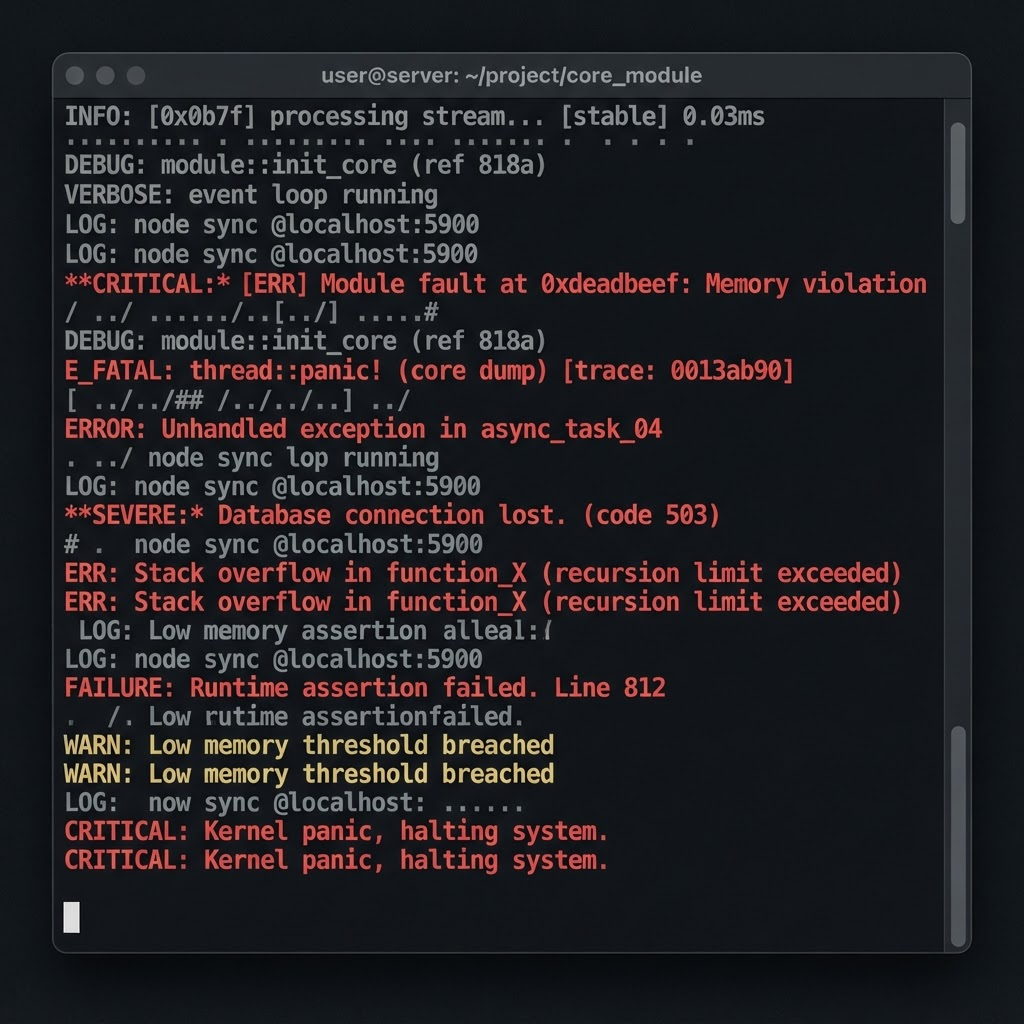
Sorted by symptom rather than by internal cause, because the symptom is the only part you have when something breaks. Work down the list before changing settings at random.

Black screen after the game launches

Firmware older than the title requires

Install matching firmware via Tools → Install Firmware. Do not touch graphics settings first; they are almost never the cause here.

"Missing keys" or a decryption failure

prod.keys absent, stale, or from another console revision

Re-dump the keys from your own console. Keys are console-specific and firmware-versioned, so a borrowed set will fail unpredictably.

Crash within seconds of boot

Update or DLC installed against the wrong base version

Remove the update, confirm the base game boots alone, then reinstall the update that matches that specific base.

Severe stutter in the first hour, then fine

Shaders compiling in real time

Expected behaviour. Leave the shader cache enabled and play through it. Disabling the cache to save space makes this permanent.

Application will not start at all on Windows

Missing .NET desktop runtime

Install the current .NET desktop runtime, then update GPU drivers. This pair resolves the large majority of launch failures.

Saves show as corrupted after copying

Files moved manually instead of imported

Use Manage User Profile → Import so the save index is rebuilt. Raw folder copies bypass the index and read as damaged.

Hardware

System requirements that reflect real sessions

Minimum means it launches and light titles are playable. Recommended means heavier games hold a stable frame rate for an hour without you tuning anything. The gap between the two columns is larger here than in most software.

Windows, Linux & macOS

CPU matters more than GPU at every tier

Windows, Linux & macOS minimum and recommended specifications
ComponentMinimumRecommended
CPUIntel Core i5-4590 / Ryzen 3 1200Intel Core i5-12400 / Ryzen 5 5600
RAM8 GB16 GB dual channel
GPUGTX 1050 Ti / RX 570 (4 GB)RTX 3060 / RX 6600 (8 GB)
Graphics APIVulkan 1.2Vulkan 1.3
Storage10 GB free (SATA SSD)50 GB free (NVMe SSD)
OSWindows 10 20H2 64-bitWindows 11 23H2 64-bit

Android

Sustained clocks, not peak benchmarks

Android minimum and recommended specifications
ComponentMinimumRecommended
SoCSnapdragon 855 / Dimensity 1200Snapdragon 8 Gen 2 or newer
GPUAdreno 640 / Mali-G77Adreno 740 with turnip driver
RAM6 GB12 GB
AndroidAndroid 11Android 14
Storage8 GB free128 GB UFS 3.1 or better
CoolingNone (expect throttling)Clip-on active cooler

Who writes this

Two people, one bench, no sponsors

Marcus handles the desktop and comparison work; Priya covers Android, handhelds and the troubleshooting queue. Between us we have been running Switch emulation since the early 2020 builds, which mostly means we have hit every error on this page personally and can tell you which of the popular fixes are folklore.

Nothing on this site is sponsored, and there are no download mirrors because mirrors are how bundled installers reach people. Where a guide would be better served by someone else's work, we link out — the Yuzu-lineage documentation at playwithyuzu.com is the clearest example, since maintaining a genuinely current guide for a second fork tree is a full-time job on its own.

Corrections are welcome and get applied fast. If a step here fails on your hardware, that is useful information and we would rather hear it than have the page quietly stay wrong.

Test hardware

Desktop
Ryzen 5 5600 · RTX 3060 · 32 GB
Handheld
Steam Deck OLED · Mesa RADV
Android
Snapdragon 8 Gen 2 · turnip driver

Every figure quoted across the site was measured on one of these three. Anything we could not verify is labelled as reported rather than tested. Guides last reviewed August 2026.

FAQ

Questions we answer most often

Pulled from the support threads rather than invented for the page. If yours is not here, the troubleshooting section above covers the boot failures in more depth.

The emulator itself is legal open-source software. What matters is where the firmware, keys and games come from. Dumping them from a Switch you own is the only route we document; downloading them from a warez site is not, and we will not link to any.

Nine times out of ten the firmware version is older than the game requires, or prod.keys came from a different console revision. Re-dump the keys first, then install matching firmware from Tools → Install Firmware before touching any graphics settings.

Vulkan on virtually every setup, including Nvidia. OpenGL is only worth trying when a specific title has a documented rendering bug, and the compatibility list will tell you when that is the case.

On a Snapdragon 8 Gen 2 or newer, 2D and mid-weight 3D titles hold 30 FPS comfortably. Heavier open-world games run but throttle after 20 to 30 minutes without a cooler. Anything below Snapdragon 855 is not worth the download.

Development stopped in October 2024 following an agreement with Nintendo. The source had already been mirrored widely, so forks such as Ryubing and Sudachi continued from the last public commit and remain actively maintained.

Yes, but not by dragging files around. Export the save as a folder from the source emulator, then use Manage User Profile → Import so the save index gets rebuilt. Raw copies almost always show up as corrupted data.

A large one on first playthrough. Compiling shaders on the fly is what causes the stutter people report in the opening hour. Once cached, frame pacing settles noticeably, especially on 6-core CPUs.

It runs through MoltenVK on M1 through M4. Performance sits between a mid-range laptop GPU and a desktop RTX 3060 depending on the chip tier, though a handful of titles still have Metal-specific rendering glitches.

A note on legality

Ryujinx is open-source software and running it is lawful. Firmware, encryption keys and game files are not distributed here under any circumstance, and every guide assumes you are dumping them from hardware you own. This site is independent and unaffiliated with Nintendo.