The graphics settings that actually matter (and the six that do not)
Resolution scaling, VSync mode, anisotropic filtering, docked mode — most settings guides list every toggle without saying which ones move the needle. This one ranks them.
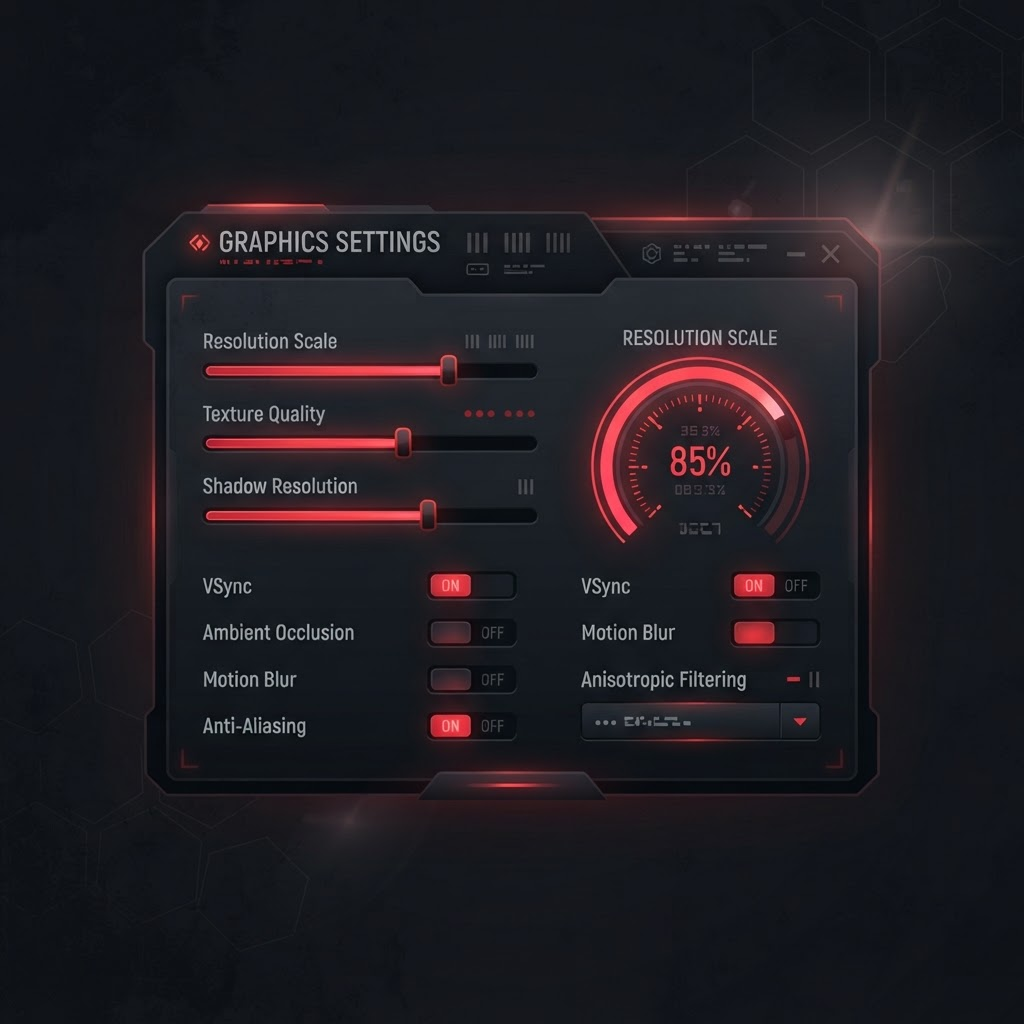
Open the graphics tab and there are roughly twenty things you can change. Four of them meaningfully affect your experience, a handful matter only in specific games, and the rest are placebo you will spend an evening cargo-culting from a forum post. Here they are in order of how much they actually change.
1. Graphics backend: Vulkan, essentially always
This is the single largest lever. Vulkan has been the recommended backend on every GPU vendor since the 1.1.x series, including Nvidia cards where people still reflexively pick OpenGL. Switch it once and leave it alone unless the compatibility list specifically flags a title as OpenGL-only.
2. Resolution scale: stop at 2x
Native docked output is 720p, so 2x gets you a clean 1440p and 3x gets you 4K. The cost curve is steep and unforgiving: on a mid-range GPU, 2x is close to free while 3x can halve your frame rate in demanding scenes. Set 2x, play for an hour, and only then consider whether you want to trade frames for sharpness.
3. VSync mode
Switch games are locked to 30 or 60 internally, and disabling VSync does not raise that ceiling — it just unlocks the emulator loop and causes games to run at the wrong speed. Leave it on unless you are deliberately using a speed-up mod.
4. Shader cache: leave it enabled, always
Every complaint about stutter in the first hour of a game traces back to shaders compiling in real time. The cache is what makes the second hour smooth. Disabling it to "free up space" is the most common self-inflicted performance problem in the entire hobby.
The ones that barely matter
- Anisotropic filtering: cosmetic, near-zero cost, set it to 16x and forget it exists.
- Aspect ratio: only relevant if you want stretched output on an ultrawide, and most games letterbox anyway.
- Fullscreen versus borderless: measurable in benchmarks, invisible in play.
- Custom refresh rate hacks: cause more desync bugs than the frames they buy.
- Texture recompression: helps only on GPUs with under 6 GB of VRAM, otherwise pure loss.
- Macro HLE: on by default for a reason, turning it off is not an optimization.
A sane baseline
- 1Vulkan backend, VSync on, shader cache on.
- 2Resolution scale 2x, anisotropic 16x.
- 3Docked mode enabled for 1080p-class internal rendering.
- 4Change nothing else until a specific game gives you a specific reason.
If your frame rate is bad at these settings, the problem is your CPU or your shader cache, not a toggle you have not found yet.