Black screens, instant crashes and "missing keys": a debugging order of operations
Most boot failures come down to four causes, and they can be ruled out in a fixed order in under ten minutes. Work the list instead of guessing.
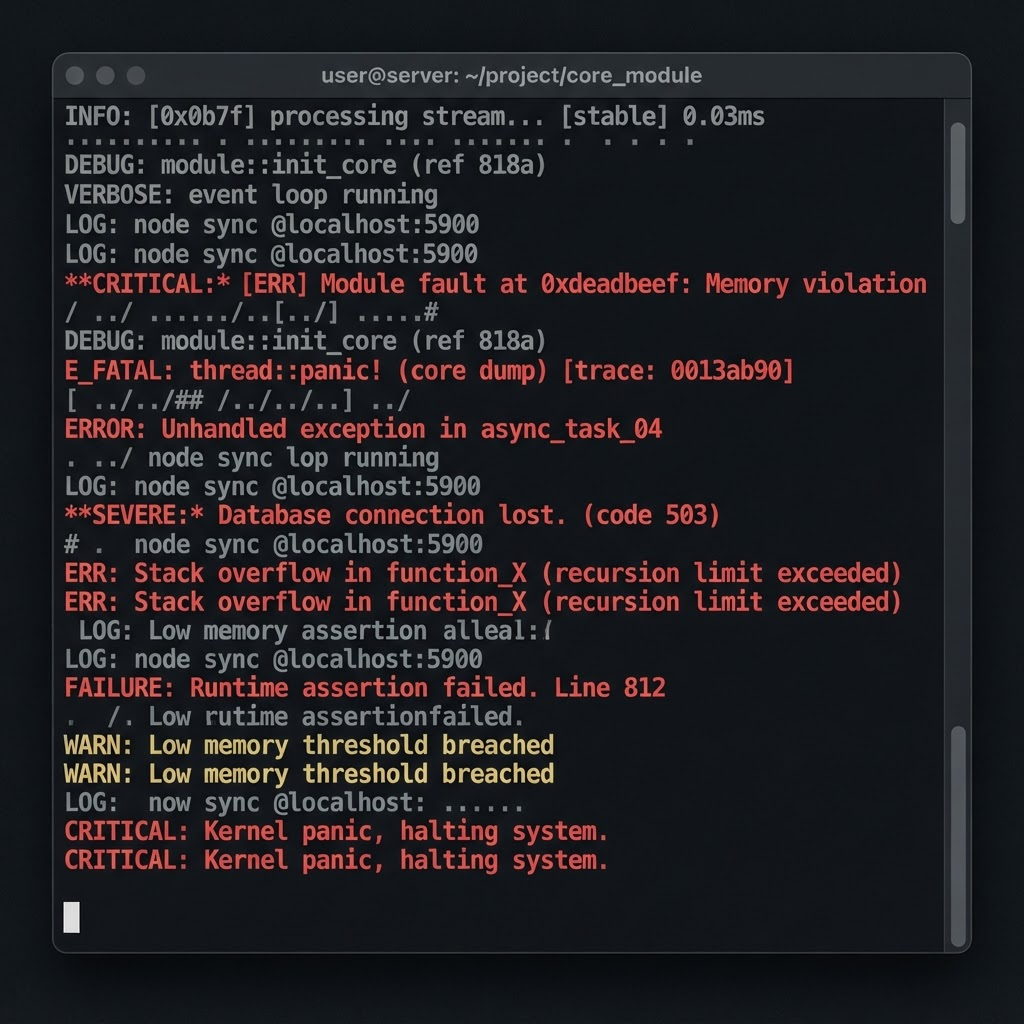
Boot failures feel random. They are not. In the support threads I have worked through, the overwhelming majority resolve to one of four causes, and because they are cheap to test, the right approach is a fixed order of elimination rather than trying settings at random.
Step 1: read the log, honestly
The log file names the failure almost every time, and almost nobody opens it. Before changing anything, find the most recent log and search for the first line marked as an error rather than a warning. Warnings are normal and constant; the first error is your actual problem.
Step 2: keys
A "missing keys" or decryption error means prod.keys is absent, outdated, or came from a different console revision than the game expects. Keys are console-specific and firmware-versioned. Re-dumping from your own console is the only path we document, and it fixes this category outright.
Step 3: firmware version mismatch
This is the classic black screen. The game requires a firmware version newer than what is installed, so it loads, finds what it needs missing, and sits there rendering nothing. Install matching firmware through Tools → Install Firmware and try again before touching graphics options.
Step 4: bad or trimmed game dump
- 1Check the file size against the known size for that title.
- 2Re-verify the hash if you kept one from the original dump.
- 3Watch for updates or DLC installed against the wrong base version — a very common cause of instant crashes.
- 4Try a different title. If everything fails identically, the problem is your setup, not the dump.
When it is genuinely the emulator
Once keys, firmware and dump integrity are ruled out, you are into per-title territory: a specific game with a specific bug on a specific backend. That is when the compatibility list becomes useful, and when trying a different fork is a reasonable move rather than superstition. For Yuzu-lineage builds, the key and firmware walkthroughs at
playwithyuzu.com cover the same ground with that fork's quirks accounted for, which saves translating our instructions across two different config layouts.
Keys, firmware, dump, then settings. Ninety percent of boot failures die at the first three doors.